Microsoft To Do alternatives: what personal users should move to before June 30, 2027
Microsoft retires the To Do apps on June 30, 2027, and personal accounts get no Planner replacement. Here is which alternatives import your lists directly, what their free plans hold, and when each is the wrong pick.
Akash Mohapatra · · 8 min read · 5 views
The best Microsoft To Do alternatives for most personal users are Todoist and TickTick, because both can pull your To Do lists in directly, which matters more than any feature list. Microsoft will retire the To Do apps on June 30, 2027, and personal accounts get no Planner replacement. Google Tasks and Apple Reminders cost nothing but need manual moving.
By the end of this guide you will know what Microsoft has actually confirmed, which apps can import your lists today, what each free plan keeps, and when each one is the wrong choice. Prices and plan limits below were checked on each vendor's own site in November 2026.
What Microsoft has confirmed about the Microsoft To Do retirement
Microsoft's own support page on moving from To Do to Planner is the source to trust, not the news coverage. It says the Microsoft To Do apps will retire on June 30, 2027, on the web, Windows, Mac, iOS and Android, for both work or school accounts and personal Microsoft accounts.
The same page answers the questions people are searching for:
- Personal accounts, including Microsoft 365 Personal and Family: the To Do apps retire and Planner is not available for these accounts, so you need another app.
- Work or school accounts: Planner becomes the home for personal tasks, and the updated My tasks experience begins rolling out in December 2026.
- Existing tasks: To Do tasks and lists will not migrate to Planner. Work accounts can still see them in Planner through June 30, 2027.
- Export: Microsoft says it will provide a way to export To Do data before the apps retire, but the instructions, supported data and limitations are not published yet. An export does not import tasks into Planner.
- Your data: app retirement does not itself schedule existing task data for deletion, and the underlying To Do service and APIs retire on separate, later timelines.
Two details are easy to miss. Paying for Microsoft 365 Personal or Family does not buy you a Planner path. And classic Outlook's built-in Tasks feature is separate from To Do, so Microsoft says it keeps working and syncing with Exchange.
Microsoft To Do alternatives compared by import and free plan
The angle that matters for a personal user is simple: how do your lists get out, and does the free plan hold them once they land? This table covers the five apps most people will shortlist, checked in November 2026.
| App | Imports To Do directly | Free plan limit that matters | Paid plan |
|---|---|---|---|
| Todoist | Yes, on the web | 5 personal projects | $5/mo billed yearly |
| TickTick | Yes, listed in its help center | 9 lists, 99 tasks per list | $49.99/year |
| Google Tasks | No importer documented | Free with a Google account | None |
| Apple Reminders | No importer documented | Free with an Apple Account | None |
| Any.do | No To Do importer we could find | Recurring tasks are Premium-only | $4.99/mo billed yearly |
If you have more lists than a free plan allows, that single number decides more than any feature comparison will. Count your To Do lists before you choose.
Todoist: the cleanest Microsoft To Do importer
Todoist has a dedicated Microsoft To Do importer that its help center says works on every Todoist plan, including the free one. You sign in with your Microsoft account in a browser, pick the lists, and choose whether to include completed tasks.
The mapping is the most detailed of any app here. Each list becomes a Todoist project, steps become sub-tasks, notes become task descriptions, Important becomes p1 priority and categories become labels. Repeating tasks come over as recurring tasks, or as one-time tasks if Todoist cannot match the schedule.
What the Todoist import leaves behind
My Day and Planned have no direct equivalent, so Todoist points you to its Today and Upcoming views. Past reminders are dropped, files on completed tasks are skipped, and the Flagged email list is not imported at all - it stays in Outlook. A shared list arrives as a personal project, and nobody is invited.
The catch is the free project limit
Todoist's pricing page caps the free Beginner plan at 5 personal projects, 3 custom filters and one week of activity history. Because every To Do list except Tasks needs its own project (Tasks can go into the Inbox if it fits), a sixth custom list will not fit on the free plan. The importer shows how many projects you need before it starts, so you can pick fewer lists, merge them later, or upgrade to Pro at $5 a month billed yearly or $7 billed monthly.
Skip Todoist if you keep more than five active lists and do not want to pay - you will spend the first evening merging lists.
TickTick: more free lists than Todoist, and a lower Premium price
TickTick is the better free landing spot if you have many small lists. Its plan comparison page allows 9 lists and 99 tasks per list on the free plan, with 2 reminders per task and 5 habits. Premium raises that to 299 lists and 999 tasks per list for $49.99 a year.
On import, TickTick's backup and import help article lists Microsoft To Do among the apps you can import directly from its mobile apps, and among the apps whose backup files you can upload on the web, under Settings, then Integrations & Import. TickTick does not publish a field-by-field mapping the way Todoist does, so check steps, notes and recurring tasks after the first import.
Microsoft To Do vs TickTick for daily planning
TickTick's free plan includes list and Kanban views, while multiple calendar views are a Premium feature, according to the same comparison page. The bigger trade-off is the free plan's 99-task ceiling per list: a long-running "someday" list can hit it.
Skip TickTick if you have one or two lists with hundreds of tasks each. The per-list limit, not the list count, is what will push you to Premium.
Google Tasks: the free choice if you live in Gmail
Google Tasks costs nothing beyond a Google account, works alongside Google Calendar, and handles repeating tasks. It is the closest thing to the old free, no-upsell To Do for anyone already on Google.
The limits are worth knowing before you move. Google's help page on repeating tasks says shared tasks and subtasks can't be set to repeat, and recurring tasks can't be moved to other task lists. Google does not document an importer for To Do, so plan to move lists by hand or wait for Microsoft's export.
Skip Google Tasks if your To Do lists rely on steps that repeat - subtasks in Google Tasks cannot.
Apple Reminders: free, but only if your devices are Apple
Apple Reminders is free on iPhone, iPad and Mac. Off Apple hardware, the route is the browser: Apple's guide to Reminders on iCloud.com covers creating and completing to-dos, organizing them into lists, searching and sharing a list.
That makes Reminders a good fit for an iPhone user who used To Do mostly on the phone, and a poor one for anyone who used the Windows app all day. As with Google Tasks, there is no documented To Do importer, so expect to re-enter your lists.
Skip Apple Reminders if you use Android anywhere in your household or need a desktop app on Windows.
Any.do: free basics, recurring tasks behind Premium
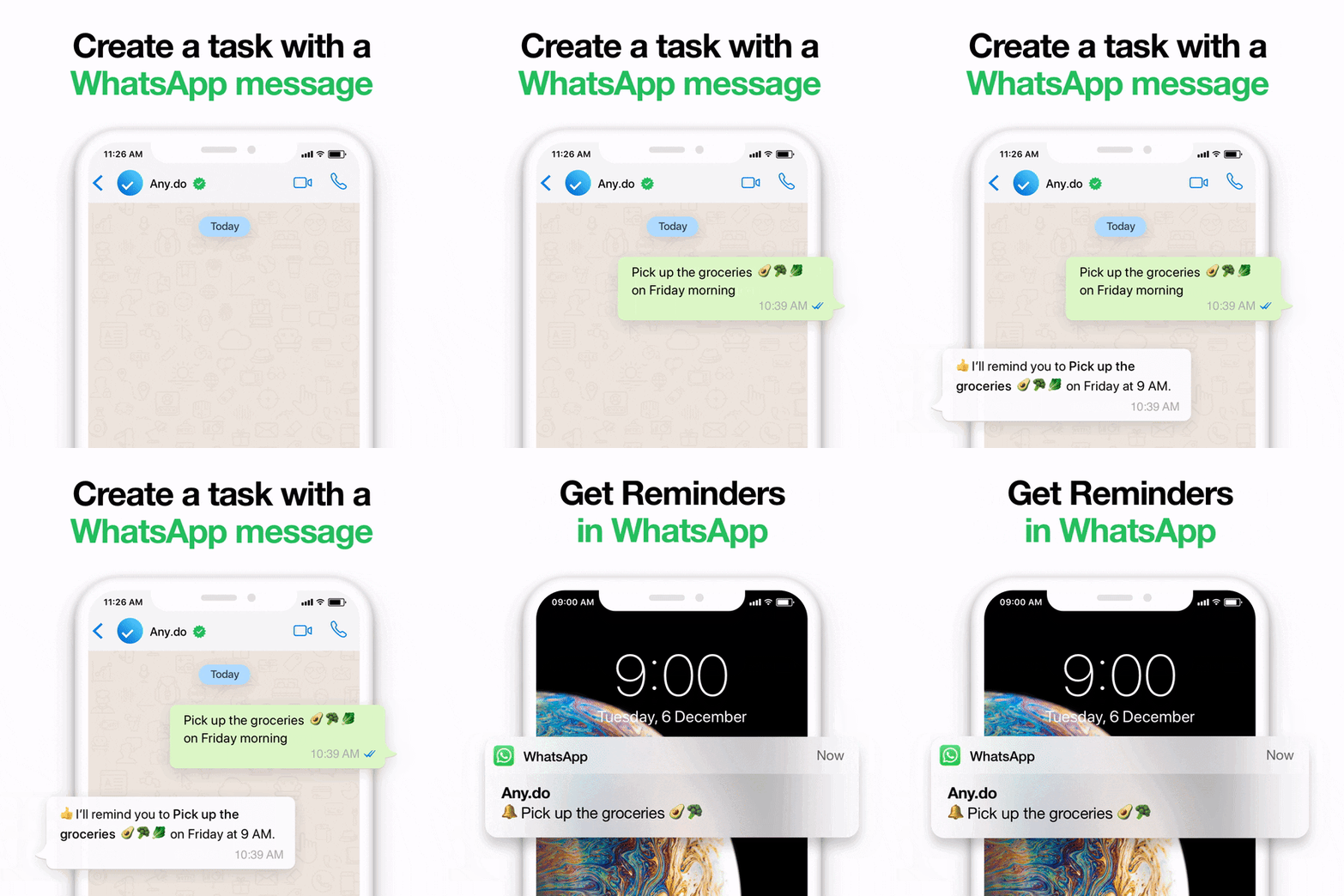
Any.do's pricing page lists tasks, lists, reminders, a calendar, a daily planner and sync across devices on the free Personal plan. Recurring tasks, location reminders, WhatsApp reminders and color tags appear only under Premium, which costs $4.99 a month billed yearly or $7.99 billed monthly.
We could not find a dedicated Microsoft To Do importer in Any.do's documentation, so plan on moving lists by hand. For a To Do user with repeating chores, the free plan is the wrong place to land.
Skip Any.do if recurring tasks are the reason you used To Do and you do not want to pay.
What personal users should do before June 30, 2027
You have time, but the order of steps matters more than the deadline.
- Count your To Do lists and the tasks in your largest list. That number rules apps in or out against the free limits above.
- Pick the app by import path first: Todoist or TickTick if you want your lists moved for you, Google Tasks or Apple Reminders if you are happy to retype in exchange for a free app with no tiers.
- Run the import while the To Do apps still work, then check repeating tasks and notes on a handful of items.
- Keep To Do until Microsoft publishes its export tool, and take that export as a backup even after you have moved.
- Move anything you track through flagged emails separately. Todoist's importer leaves the Flagged email list in Outlook, and Microsoft has not said what its export will include.
Work or school users have a different job: wait for the My tasks redesign in Planner from December 2026, and remember that your existing To Do tasks will not be copied into Planner's new private plan.
If none of these five fits, Upfynd lists 2,498 tools in Task & Project Management as of November 29, 2026, each with pricing and similar products on one page. If you are moving project data out of other tools too, our guide to exporting tasks to CSV from Trello, Jira, Linear and Asana covers what those files leave out, and our earlier piece on Microsoft Whiteboard alternatives walks through the last Microsoft app retirement. New task apps launch every week on the launches board.
Frequently asked questions
Is Microsoft To Do shutting down?
Yes. Microsoft says the Microsoft To Do apps will retire on June 30, 2027 on the web, Windows, Mac, iOS and Android, for both personal and work or school accounts. The underlying To Do service and its APIs retire on separate, later dates that Microsoft has not announced yet.
What will replace Microsoft To Do for personal accounts?
Nothing from Microsoft. Planner is not available for personal Microsoft accounts, including Microsoft 365 Personal and Family, so personal users need to choose another app. Todoist and TickTick can import To Do lists directly, while Google Tasks and Apple Reminders are free but need lists moved by hand.
Can personal accounts use Microsoft Planner?
No. Microsoft's support page says Planner is not available for personal Microsoft accounts, and that applies to Microsoft 365 Personal and Family subscribers too. Only work or school accounts move to Planner, where the redesigned My tasks experience starts rolling out in December 2026.
How do I export my Microsoft To Do lists?
Microsoft says it will provide a way to export To Do data before the apps retire, but it has not yet published the instructions, supported data or limitations. Until then, the practical route is an app with a direct importer, such as Todoist's Microsoft To Do importer or TickTick's import settings.
How do I import Microsoft To Do into Todoist?
Todoist's Microsoft To Do importer runs in a web browser on every Todoist plan. You sign in with your Microsoft account, pick lists and start the copy. Each list becomes a project, steps become sub-tasks and notes become descriptions, but the free plan's five-project limit can stop larger imports.
Will my Microsoft To Do tasks be deleted on June 30, 2027?
Not automatically, according to Microsoft. Its support page says the app retirement does not itself schedule existing task data for deletion, and that the To Do service and APIs retire on later timelines. Moving your lists before June 30, 2027 is still the safe plan, because the apps stop working then.
Products in this article


About the author

Akash Mohapatra
Director & Co-founder