Ollie shutting down November 6: save your data, claim a refund, then pick a replacement
Ollie stops working on November 6, 2026 and there is still no export tool on its site. Here is what to save, how to cancel and ask for a refund under Ollie's own terms, and which assistants actually cover what it did.
Akash Mohapatra · · 7 min read · 3 views
Ollie shutting down on November 6, 2026 leaves paying families six days to act, and as of October 31 there is no export button, no refund form and no mention of the closure on ollie.ai's home, pricing, support or FAQ pages. TechCrunch reported on October 30 that customers will get instructions on exporting their data and claiming refunds "in the coming days". Do not wait for that email to start: the things most likely to be lost are already on your phone and in your Google account.
Do these five things before November 6
Ollie is a text assistant, not an app. Ollie's FAQ says it works through iMessage or SMS with no account or download, and that calendar and email connect through standard OAuth consent. That shape decides what you can rescue yourself.
- Back up the message thread. Because Ollie ran over iMessage and SMS, the conversation history sits in your phone's Messages app rather than in a web dashboard, and it stays there after the service stops. Back up the device now, and keep the thread rather than deleting the contact.
- Revoke Ollie's access to your email and calendar yourself. Ollie's FAQ says you can connect or disconnect calendar and email at any time, and you do not need Ollie's help: remove the connection from your Google account's third-party connections page, or the equivalent app permissions page in your Microsoft account. Doing it today means the token is dead before the company's systems are wound down.
- Copy out whatever existed only inside Ollie. Meal plans, grocery lists and reminders needed no permissions, per the FAQ, which means they lived on Ollie's side and not in your Google account. Anything there is the part a shutdown actually deletes, so move it into your notes or task app this week.
- Cancel in writing. Ollie's terms of use say you can cancel at any time by texting Ollie or emailing hello@ollie.ai, that cancellation stops future renewals, and that access continues through the period you have already paid for. Email leaves you a dated record; a text thread that stops working does not.
- Ask for deletion in the same message. Ollie's privacy policy, last updated August 21, 2026, says you may request deletion at any time by texting Ollie or emailing hello@ollie.ai, with rights requests going to privacy@ollie.ai. Left alone, it says message content and media are "retained for up to 24 months from the date sent".
There is no official export procedure yet, and we will not invent one. Ollie's privacy policy lists a right to access your personal information but describes no download or export feature, and no page on ollie.ai mentions the shutdown at all today. Treat the promised instructions as a bonus, not a plan.
Why is Ollie shutting down, weeks after a $7.5 million seed round
Co-founder and CEO Bill Lennon announced the closure on X on Friday, October 30, weeks after TechCrunch covered a $7.5 million seed round led by Khosla Ventures. He said the team "got close, but ultimately couldn't keep up", and pointed at competition from Muse, Instinct and others making it harder to stand out and raise more capital.
That sequence is the useful part for anyone choosing a replacement. Funding is not evidence of survival, and Ollie's compliance posture was not either: TechCrunch described it as one of the first mainstream apps to achieve SOC 2.
How do I get a refund from Ollie, and what its terms actually promise
Ollie's pricing page still lists a free tier at 50 messages a month, Everyday at $25 a month for 150 messages and Always-On at $100 a month for 1,000 messages, with one subscription covering a whole family group chat. Top-ups are listed at $0.30 a message on Everyday and $0.25 on Always-On.
The written policy is less generous than the announcement. Ollie's terms say plainly: "We do not generally offer refunds for partial billing periods, except where required by law." So the refund TechCrunch reported is goodwill beyond the contract, which is a reason to ask promptly and in writing rather than to wait for a form. Name your plan, your billing date and the amount, send it to hello@ollie.ai before November 6, and keep the receipt. If a renewal is charged after the service has stopped, your card issuer's dispute process is the fallback, and the billing records Ollie's policy says it keeps (typically up to seven years) should make the amount easy to establish.
What to use instead of Ollie AI
Nothing we checked today replaces Ollie exactly. A proactive assistant that reads a family's inbox and calendar and answers in a group text is a narrow product, and the honest answer is to split the job. Prices below were read on each vendor's own pricing page on October 31, 2026.
| Tool | What it covers from Ollie | Price today | The catch |
|---|---|---|---|
| Claude | Reading Gmail and Google Calendar, drafting replies, handing off tasks | Free plan; Pro $17/mo billed annually ($200 up front) or $20 monthly; Max $100/mo | No SMS or iMessage, no shared family thread: each person connects their own accounts |
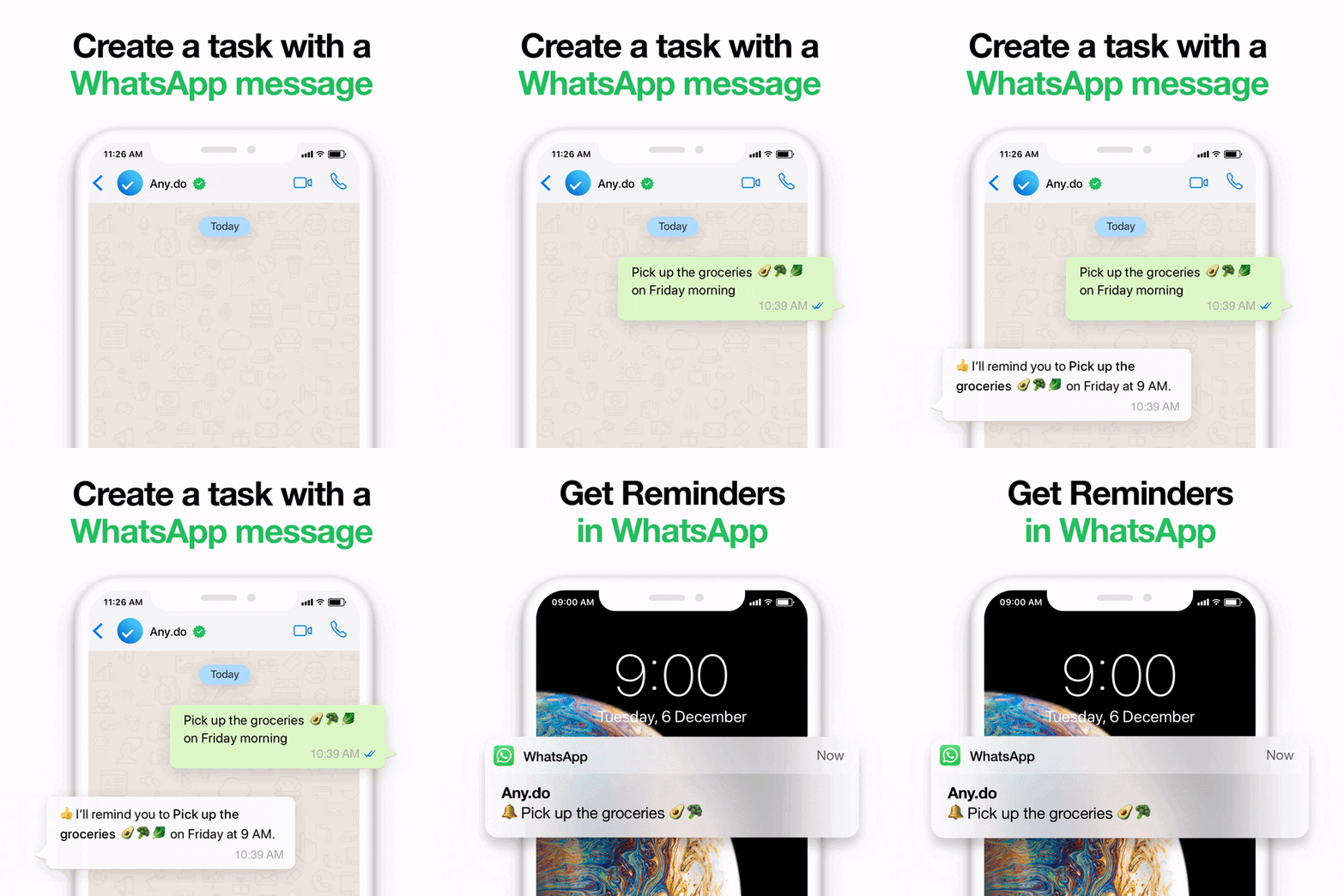
| Any.do | Shared household lists, grocery list, reminders | Family plan $8.33/mo for 4 members billed annually, or $9.99/mo | A task app, not an assistant that triages your inbox |
| Instinct | Closest in shape: a proactive assistant you text or call | No price published on its site | Its terms allow training AI models on your materials unless you opt out |
Claude's connectors directory lists Gmail ("Draft replies, summarize threads, & search your inbox") and Google Calendar, and its pricing page lists "Connect your apps and tools" among the free plan's features. On training, Anthropic's privacy page, updated March 16, 2026, says chats are used for model improvement only if you turn the setting on.
Instinct is the one to think hardest about, because it is the product Lennon named. Its site publishes no pricing as of October 31, 2026, only "Try Instinct" and "Invite a friend", and its terms of service, last revised August 26, 2026, state that it may use your inputs and outputs "to develop, provide, maintain and improve the Services and our other products and services, including training AI models", subject to an opt-out and to a "Vault" area it says it will not train on. That is the opposite default to the one Ollie advertised, whose FAQ says messages are sent to commercial APIs for real-time processing and not retained for training. Skip Instinct if that default is why you paid for Ollie in the first place.
Upfynd lists 2,196 products in AI Assistants and 269 in Calendar & Scheduling as of October 2026, so there is no shortage of candidates. There is a shortage of ones that read a family's email, and the only way to judge a new one is the thing Ollie's week proves: read the terms and the retention schedule before you connect an inbox.
Which AI assistants are SOC 2 certified, and why that is the wrong question
Ollie's site footer says "SOC 2 Type 1 Compliant", while its trust center says only "We're proud to now be SOC 2 compliant" and lists HIPAA, GDPR and HITECH without naming a report type or a date. The distinction matters: a Type 1 report describes whether controls were designed appropriately at a single point in time, while a Type 2 report tests whether they operated over a period.
Either way, Ollie held a SOC 2 and still gave its users a week's notice. An audit of security controls says nothing about whether a company will exist next month, so for a consumer assistant the questions worth asking are narrower: does it train on your data by default, can you delete it on request, how long do backups keep it, and can you get it out without the vendor's help. Ollie answered the first two of those well. It was inconsistent on the third: its privacy policy says connected email and calendar data is "fully removed from logs and backups within up to 30 days", while phone number and profile backups are purged within 90. It had no answer at all to the fourth, which is why this post exists.
The strongest argument for sitting tight is that Ollie has promised instructions and acting now means copying things by hand. Six days, one of them a weekend, against a written policy that does not owe you a partial refund: copy by hand. If you want the same shape of checklist for another closure, we wrote one for Arc browser's December 22 shutdown, and our FAQ covers how to get your data removed from Upfynd itself.
Start with step two. Revoking the calendar and email connection takes a minute, needs nothing from Ollie, and is the one item on the list that stops mattering the moment the company's lights go off.
Frequently asked questions
When does Ollie shut down?
Ollie shuts down on November 6, 2026. Co-founder and CEO Bill Lennon announced the closure on X on October 30, 2026, and TechCrunch reported it the same day. As of October 31, 2026 the ollie.ai website carries no shutdown notice, so the deadline is only documented in the announcement and press coverage.
Why is Ollie shutting down?
Bill Lennon said the team got close but ultimately could not keep up, and named competition from Muse, Instinct and others as making it harder to stand out and raise more capital. The closure comes weeks after TechCrunch reported a 7.5 million dollar seed round led by Khosla Ventures.
How do I get a refund from Ollie?
TechCrunch reported that customers will receive refund instructions in the coming days, but Ollie has published no form or terms. Ollie's own terms of use say it does not generally offer refunds for partial billing periods except where required by law, so email hello@ollie.ai before November 6 with your plan and billing date.
How do I export my data from Ollie?
Ollie has not published an export tool, and its privacy policy describes a right to access your information but no download. Because Ollie worked over iMessage and SMS, your conversation history is already on your phone, so back up the device, copy out meal plans and lists, and revoke its Google or Microsoft access yourself.
What is the best alternative to Ollie?
No single product matches it. Claude connects to Gmail and Google Calendar on its free plan and starts at 20 dollars a month billed monthly for Pro. Any.do's Family plan covers shared household lists at 9.99 dollars a month for four members. Instinct is closest in shape but publishes no pricing.
Which AI assistants are SOC 2 certified?
Ollie's footer claimed SOC 2 Type 1 and its trust center says it is SOC 2 compliant without naming a report type. Check each vendor's own trust center rather than a listicle, and remember that SOC 2 audits security controls, not whether the company will still be trading next month.
Products in this article

About the author

Akash Mohapatra
Director & Co-founder